 0300 088 0295
UniFi Access offers a variety of door unlock methods to deliver a seamless experience for you and your users. This article provides an overview of each method with configuration links.
| Update your UniFi OS, Access application, and Access devices to the latest versions for the newest features and optimal performance. |
Supported Door Unlock Methods
By default, all supported unlock methods are enabled for a given reader. These settings can be configured in Access application > Devices > select a reader > Settings.
Below is an overview of the available unlock methods, along with a link to a detailed configuration guide for assigning these methods to users.
- Your NFC credential on a reader.
- Mobile Unlock:
- Mobile Button: Tap a button in your Identity Endpoint for mobile.
- Mobile Tap: Tap your iOS or Android phone against a reader.
- Face Unlock: Scan your face at a reader.
- Touch Pass: Tap your phone or watch, with Touch Pass added, on a reader.
- PIN: Enter your PIN on a reader.
- QR Code: (For visitors only) Scan your QR code at a reader.
- Hand Wave: (For exit only) Wave your hand in front of a reader. For security purposes, it cannot be used with other access methods simultaneously.
- License Plate Unlock: Position your vehicle within the detection zone of the nearby UniFi surveillance camera.
Configuring 2-Step Authentication
Version Requirements
Enable 2-Step Authentication in Access application > Devices > select a reader > Settings to enhance door unlock security using one of the following methods.
- Require Two Methods: The user must authenticate with any two enabled methods (e.g., NFC card and PIN) within 10, 20, or 30 seconds to unlock the door.
- Require Approver: The user authenticates first, then a designated approver (user or user group) must also authenticate within 10, 20, or 30 seconds to unlock the door.
UniFi Device Requirements
| G3 Intercom | Intercom | G3 Reader Pro | G3 Reader | Reader Flex | G2 Reader Pro | G2 Reader | Access Ultra | Reader Lite | Protect AI Camera* | |
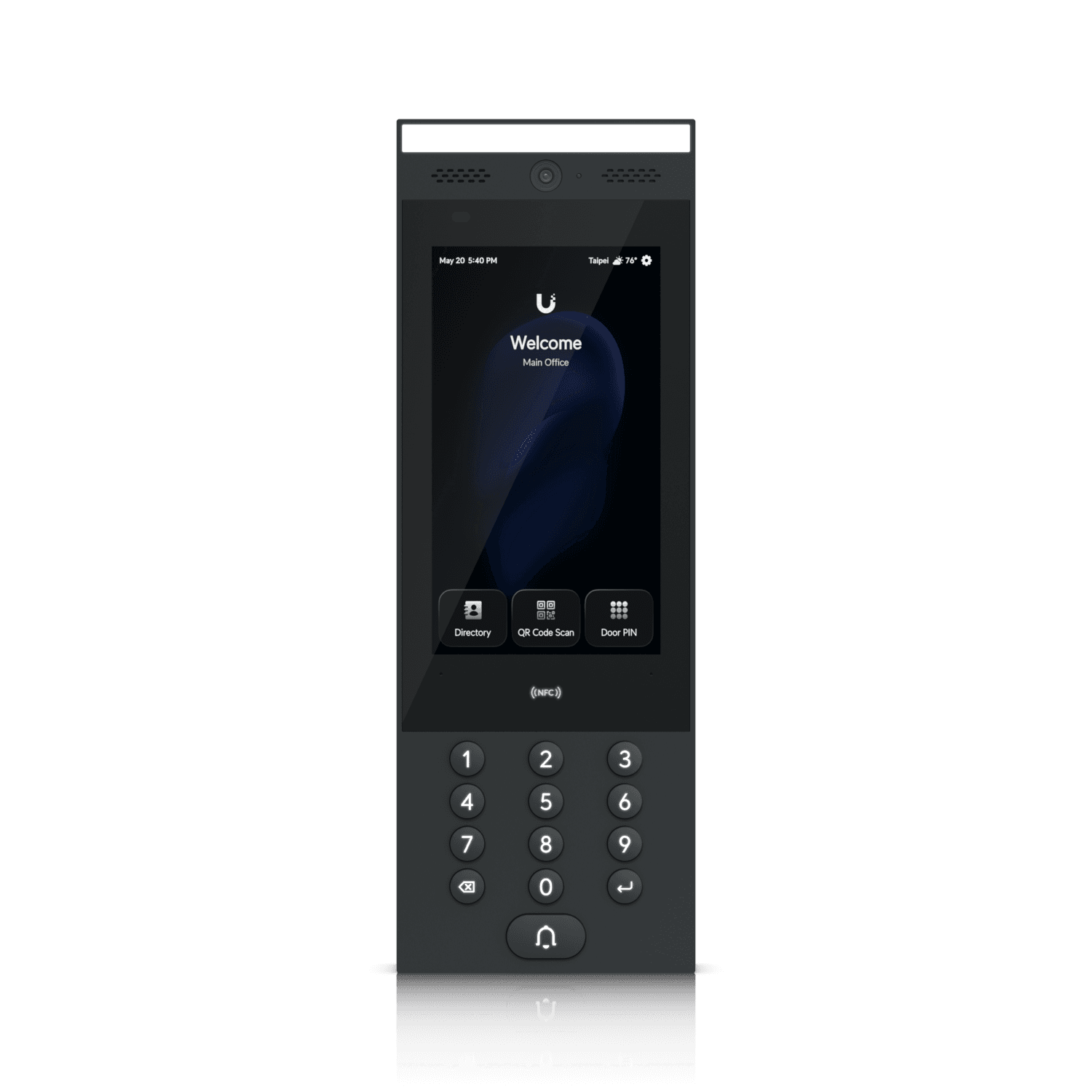 | ||||||||||
| NFC Card | ✓ | ✓ | ✓ | ✓ | ✓ | ✓ | ✓ | ✓ | ✓ | — |
| Mobile Unlock | ✓ | ✓ | ✓ | ✓ | ✓ | ✓ | ✓ | ✓ | ✓ | — |
| Face Unlock | ✓ | ✓ | ✓ | — | ✓ | ✓ | — | — | — | — |
| Touch Pass | — | — | ✓ | ✓ | ✓ | — | — | — | — | — |
| PIN | ✓ | ✓ | ✓ | — | ✓ | ✓ | — | — | — | — |
| QR Code | ✓ | ✓ | ✓ | — | — | ✓ | — | — | — | — |
| Hand Wave | — | — | — | ✓ | — | — | ✓ | — | ✓ | — |
| License Plate Unlock | — | — | — | — | — | — | — | — | — | ✓ |